
Reset password
Read here how to set a new password in ZekerArbo Online for employers
Have you forgotten your password or does your old password no longer work after switching to our new system? Follow these steps to create a new password.
Step-by-step plan
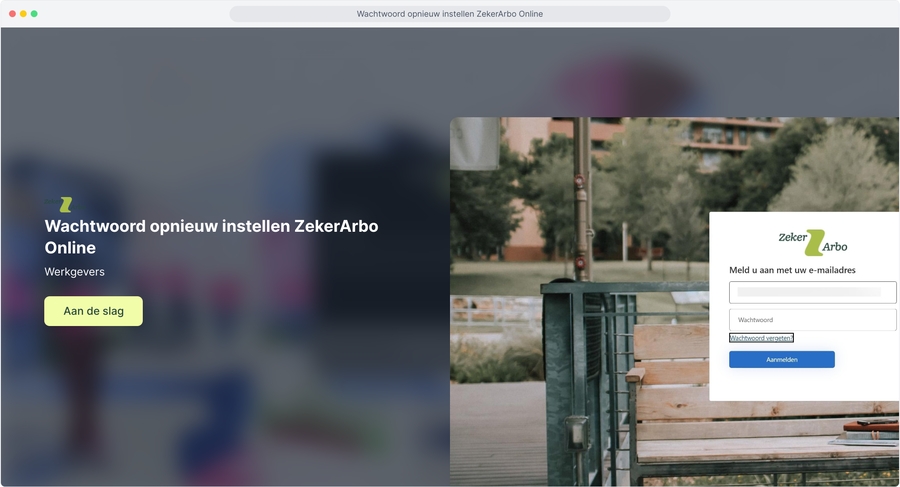
Go to the ZekerArbo Online login page.
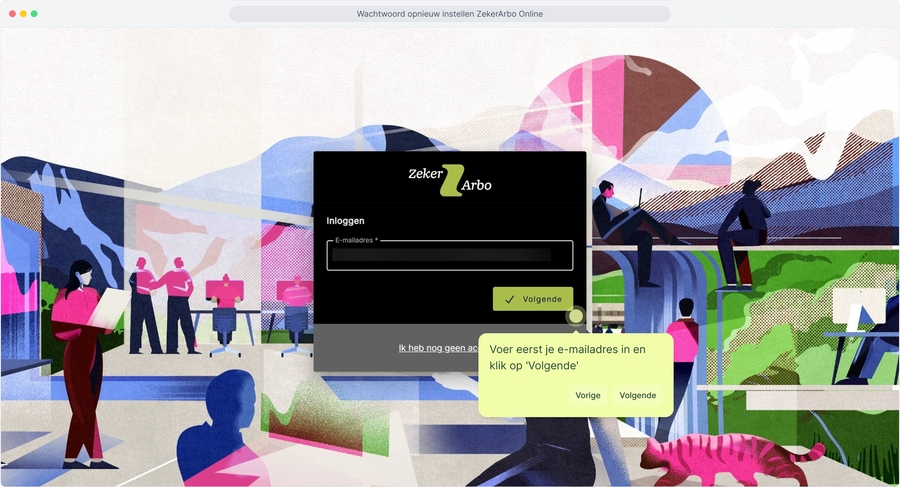
Enter your email address and click Next.
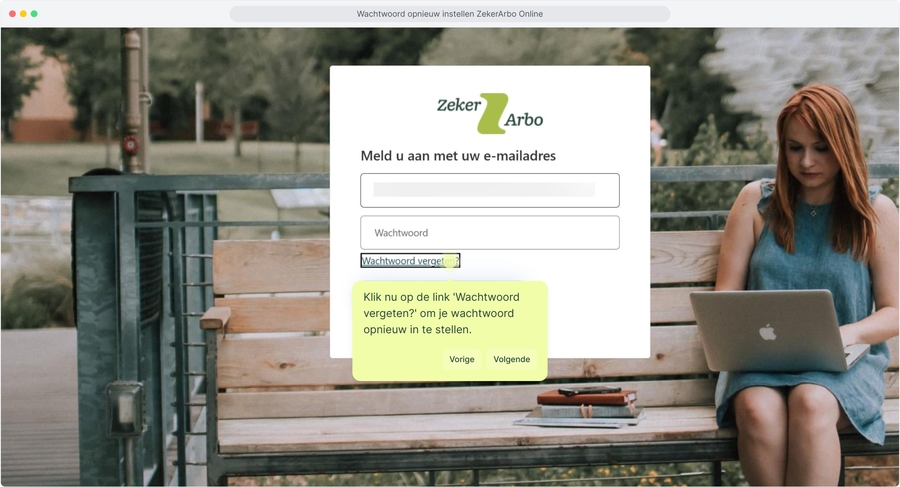
Click the Forgot password? link.
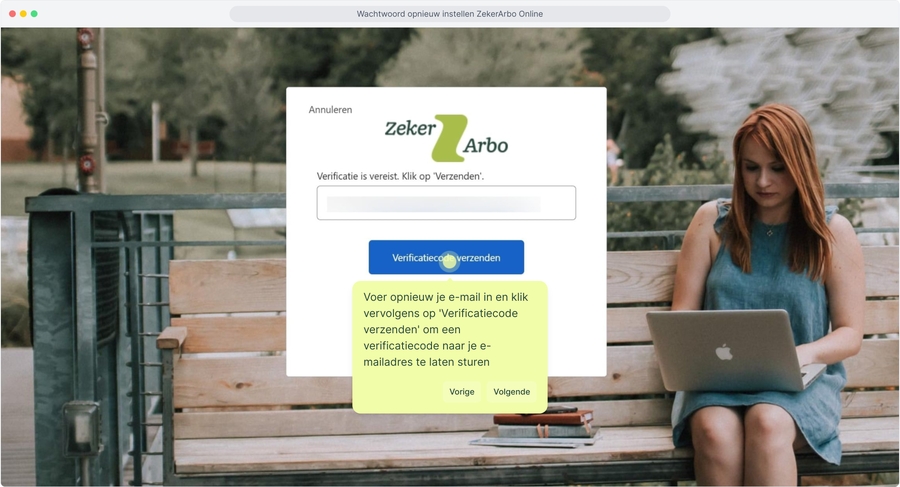
Enter your email address again and click Send verification code.
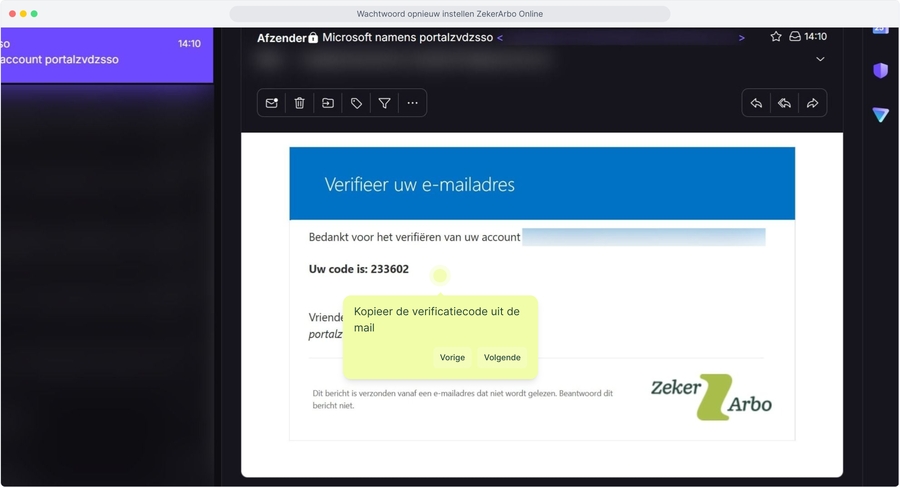
Go to your inbox, open the email from ZekerArbo and copy the verification code.
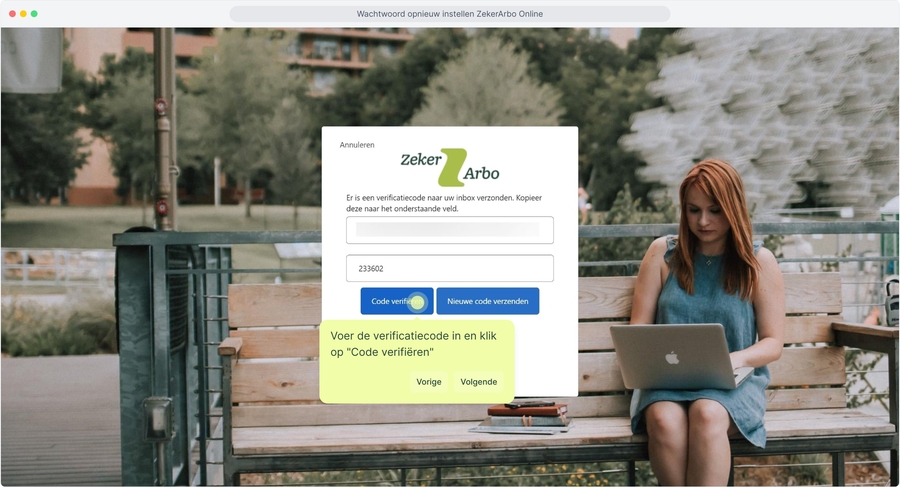
Return to the login screen, paste or type the code and click Verify code.
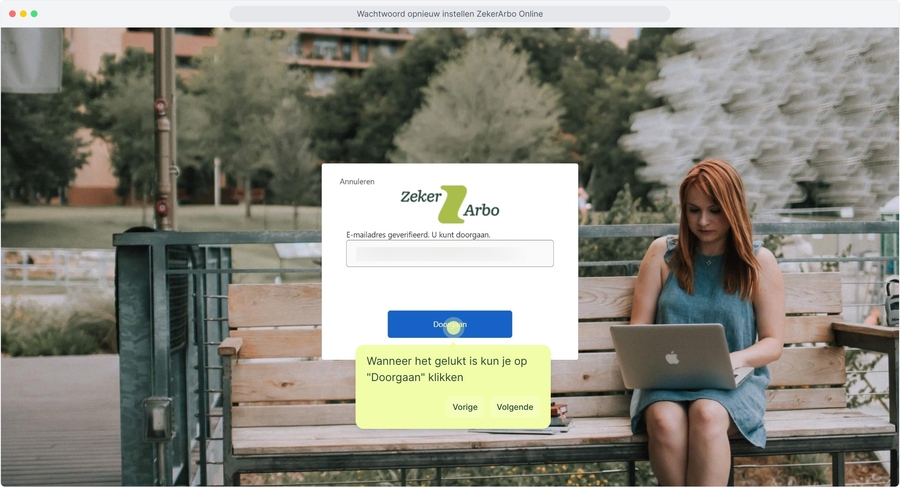
Did the verification succeed? Click Continue.
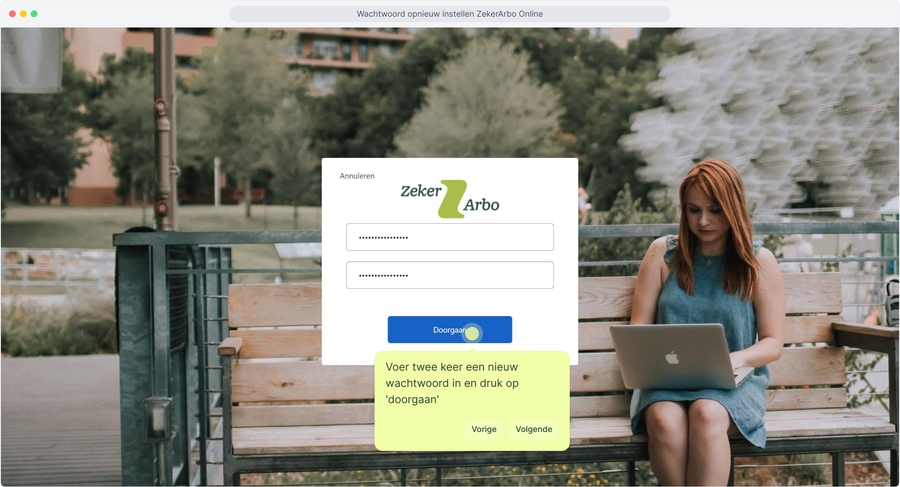
Enter your new password twice and click Continue.
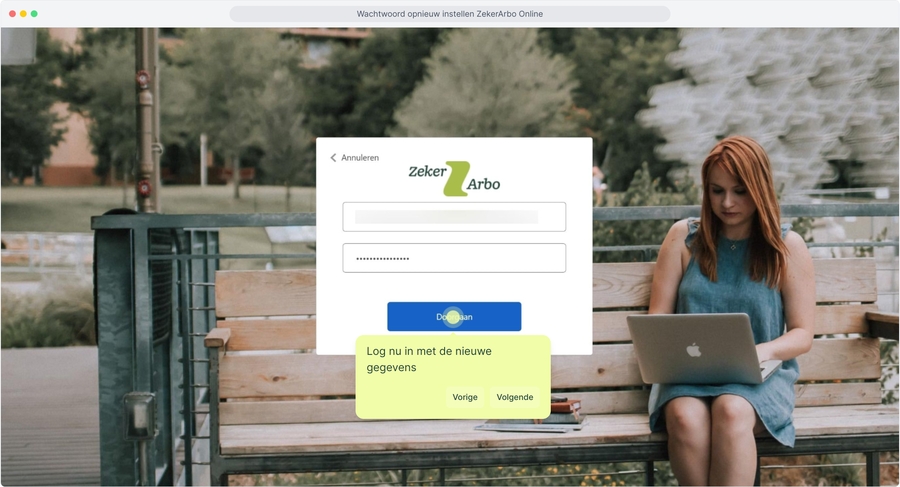
Your password has been changed. You can now log in with your new credentials.
Read the explanation with images here
1. Reset password ZekerArbo Online
2. First enter your email address and click 'Next'
3. Now click the 'Forgot password?' link to reset your password.
4. Enter your email again and then click 'Send verification code' to have a verification code sent to your email address
5. Open the email in your inbox
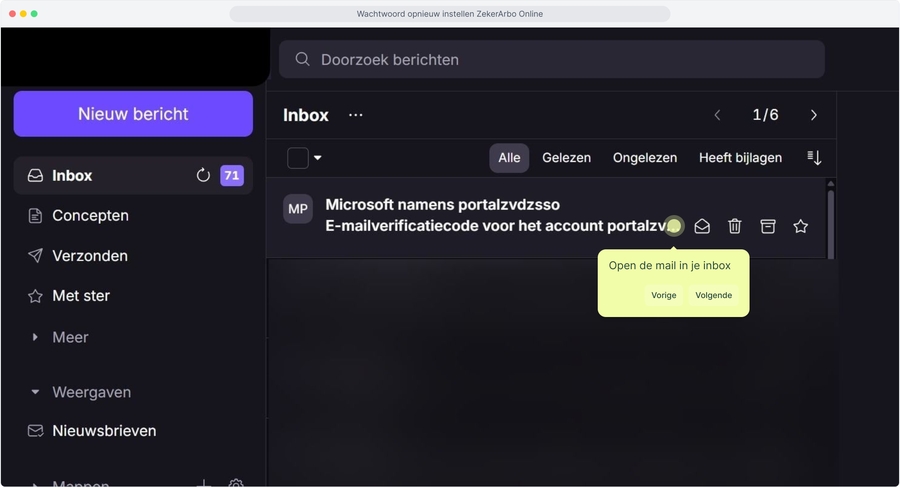
6. Copy the verification code from the email
7. Enter the verification code and click "Verify code"
8. When it has succeeded you can click "Continue"
9. Enter a new password twice and press 'continue'
10. Now log in with the new credentials
Last updated
Was this helpful?