{% @supademo/embed %}
<details>
<summary>Read the explanation with images here</summary>
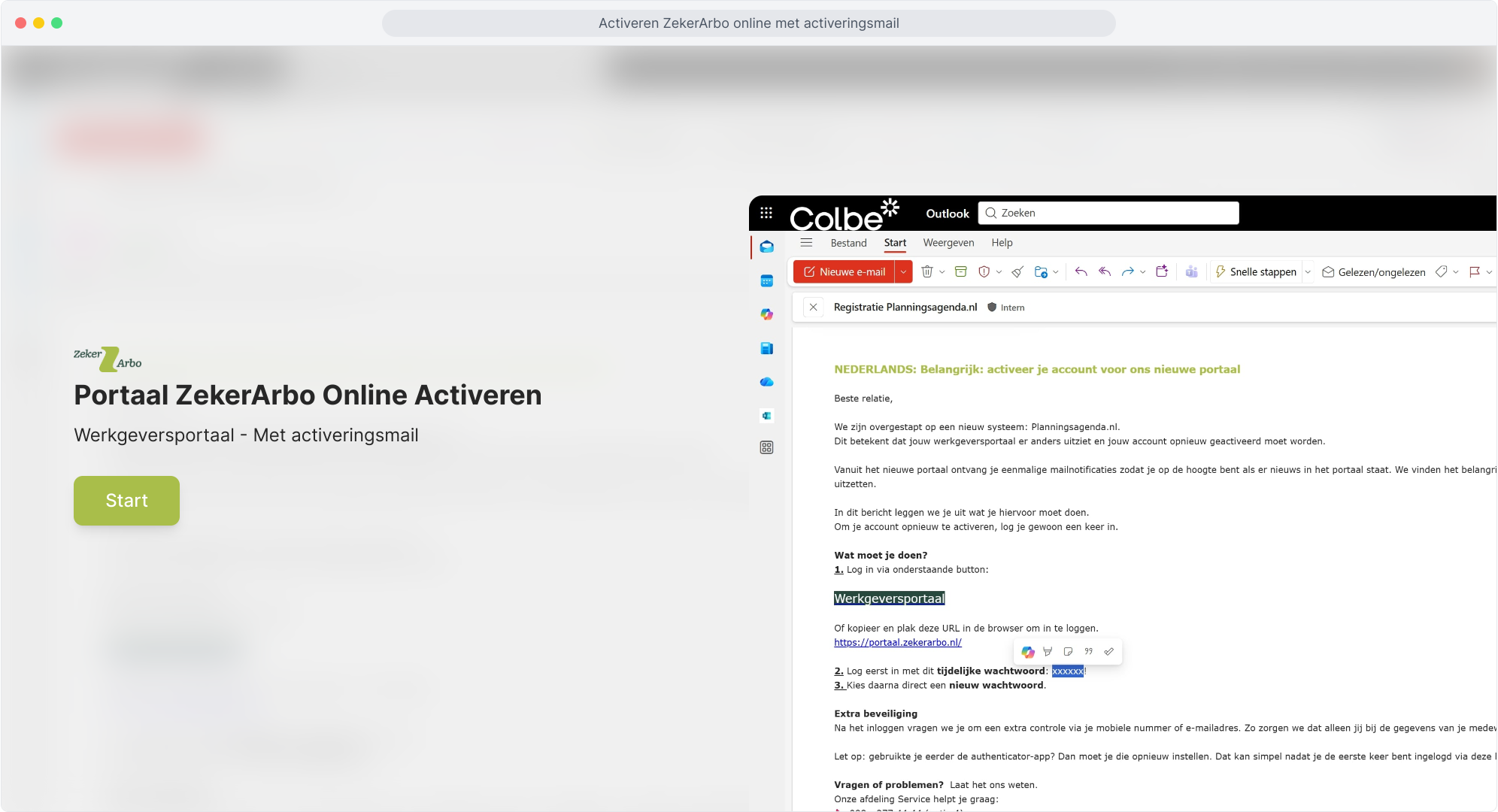
1. Activate the ZekerArbo Online Portal
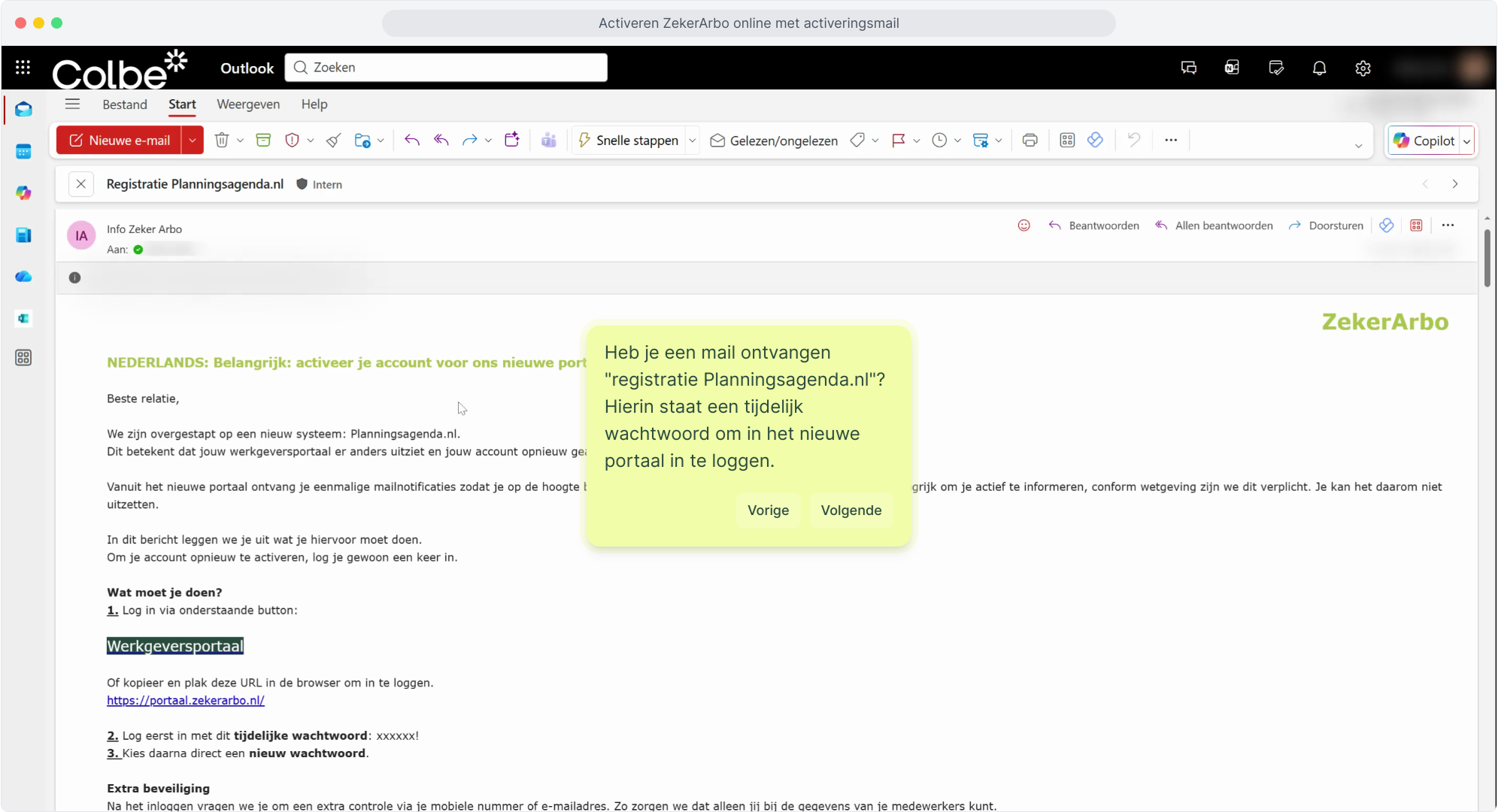
2. Have you received an email "registration Planningsagenda.nl"? It contains a temporary password to log in to the new portal.
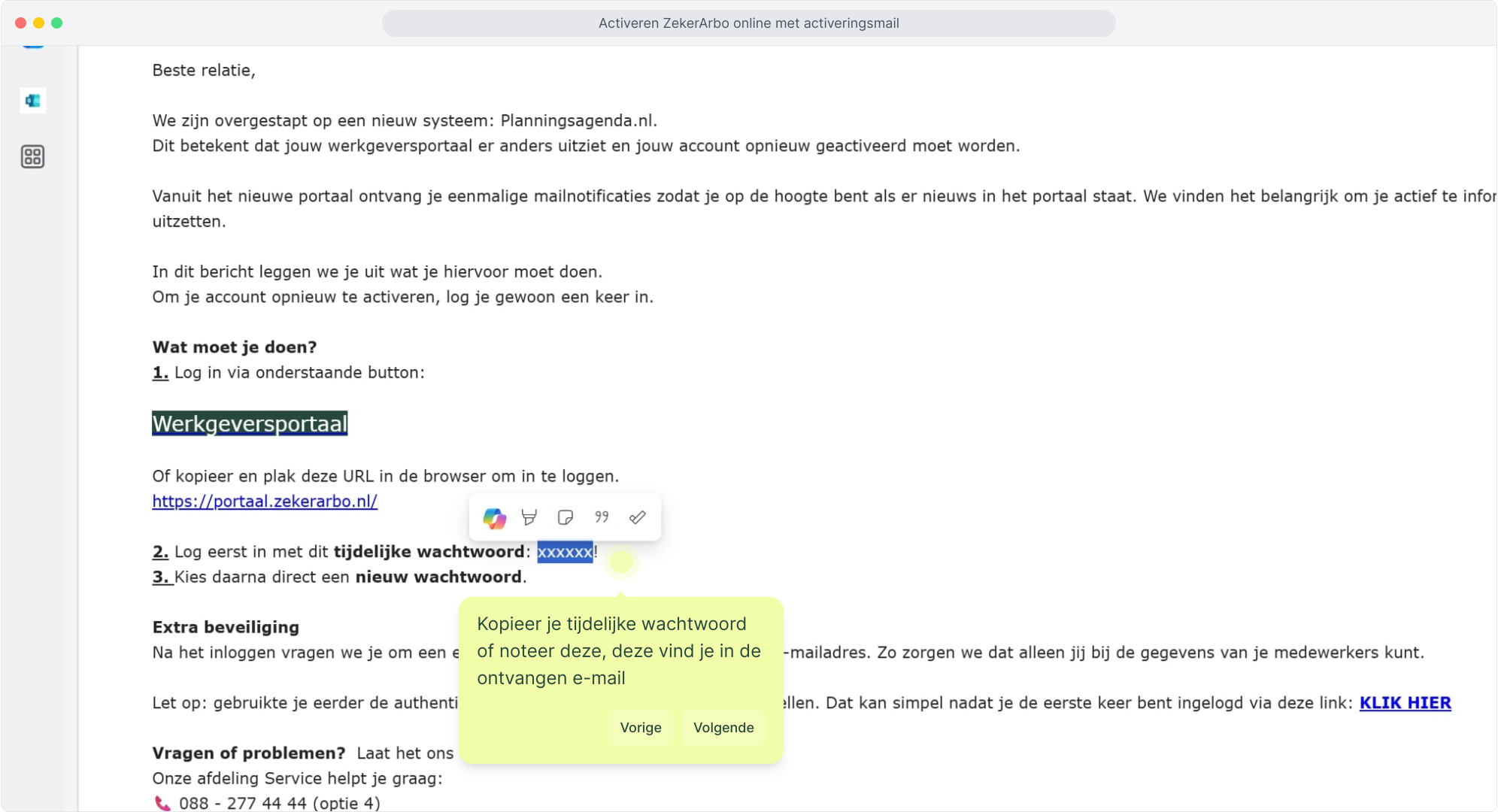
3. Copy or write down your temporary password, which can be found in the email you received
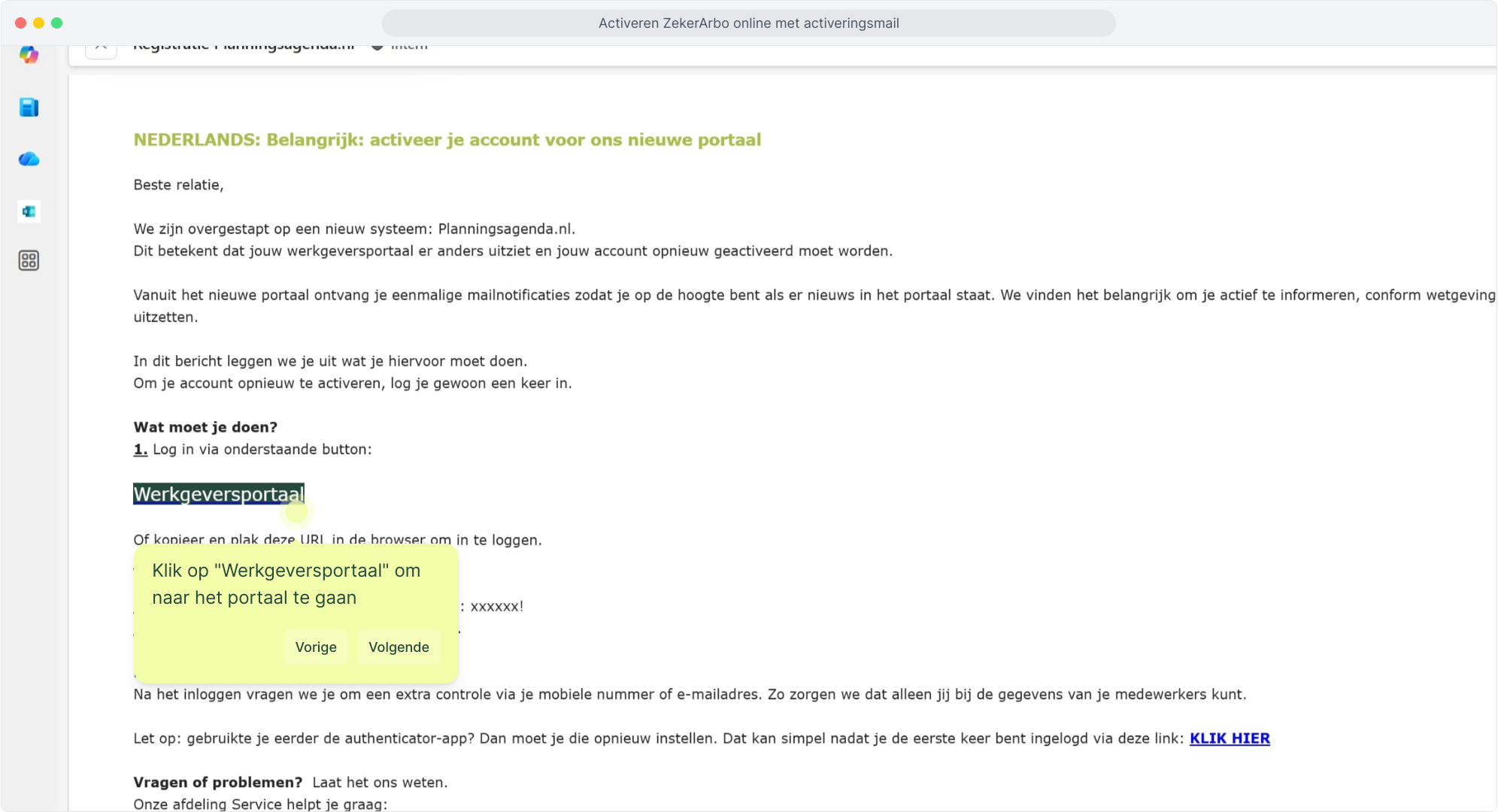
4. Click on "Employer Portal" to go to the portal
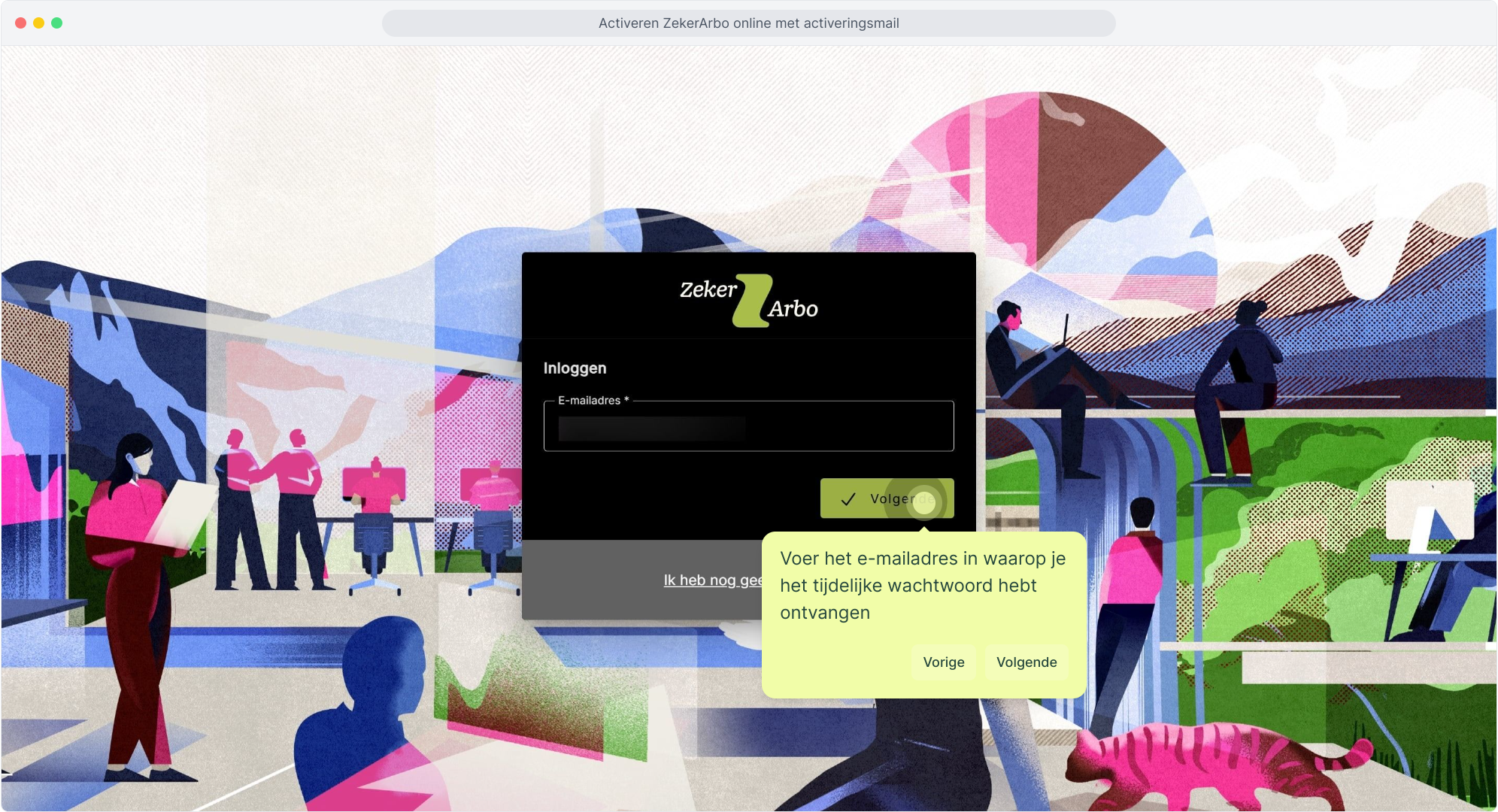
5. Enter the email address at which you received the temporary password
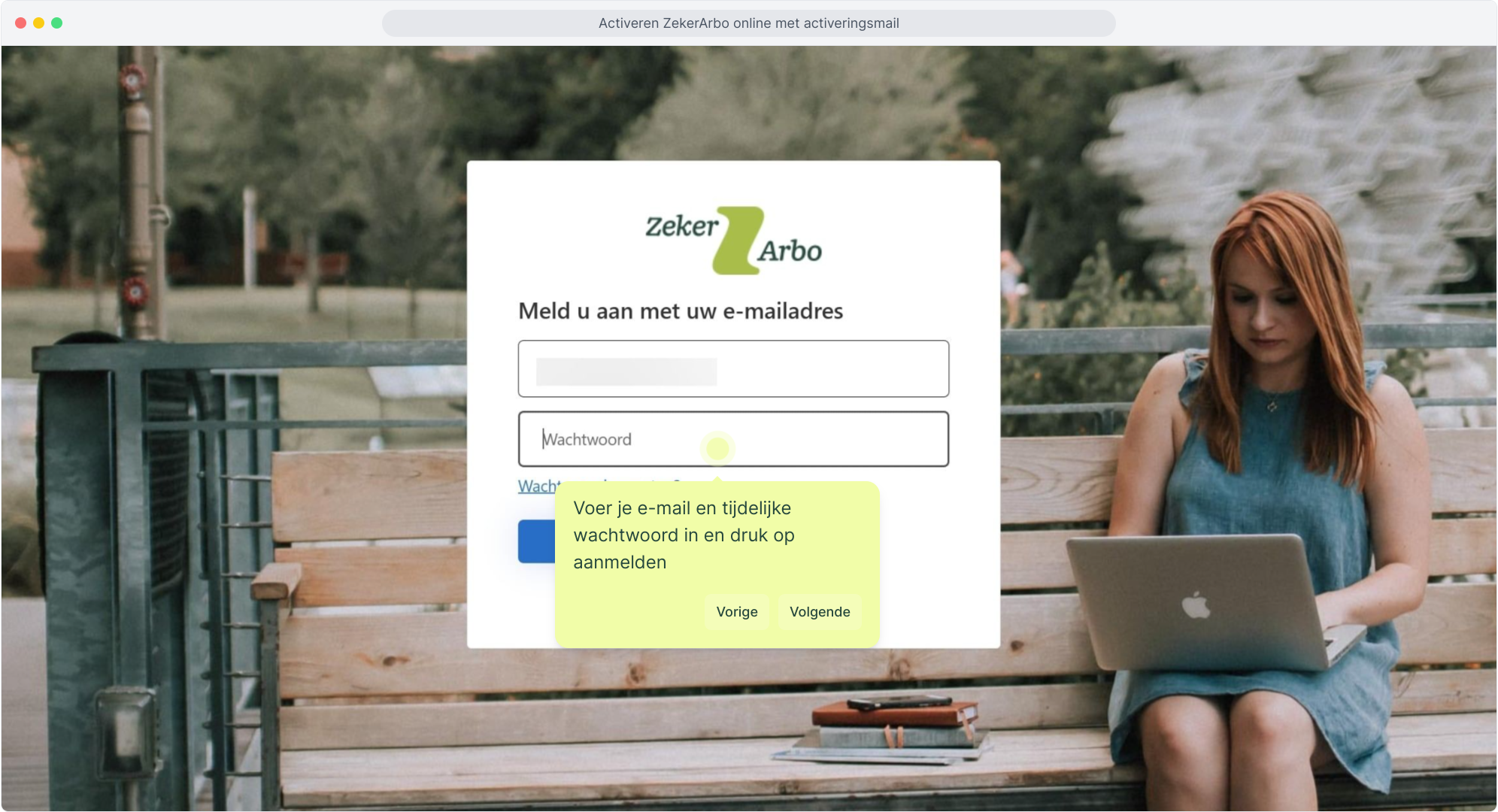
6. Enter your email address and temporary password, then click sign in
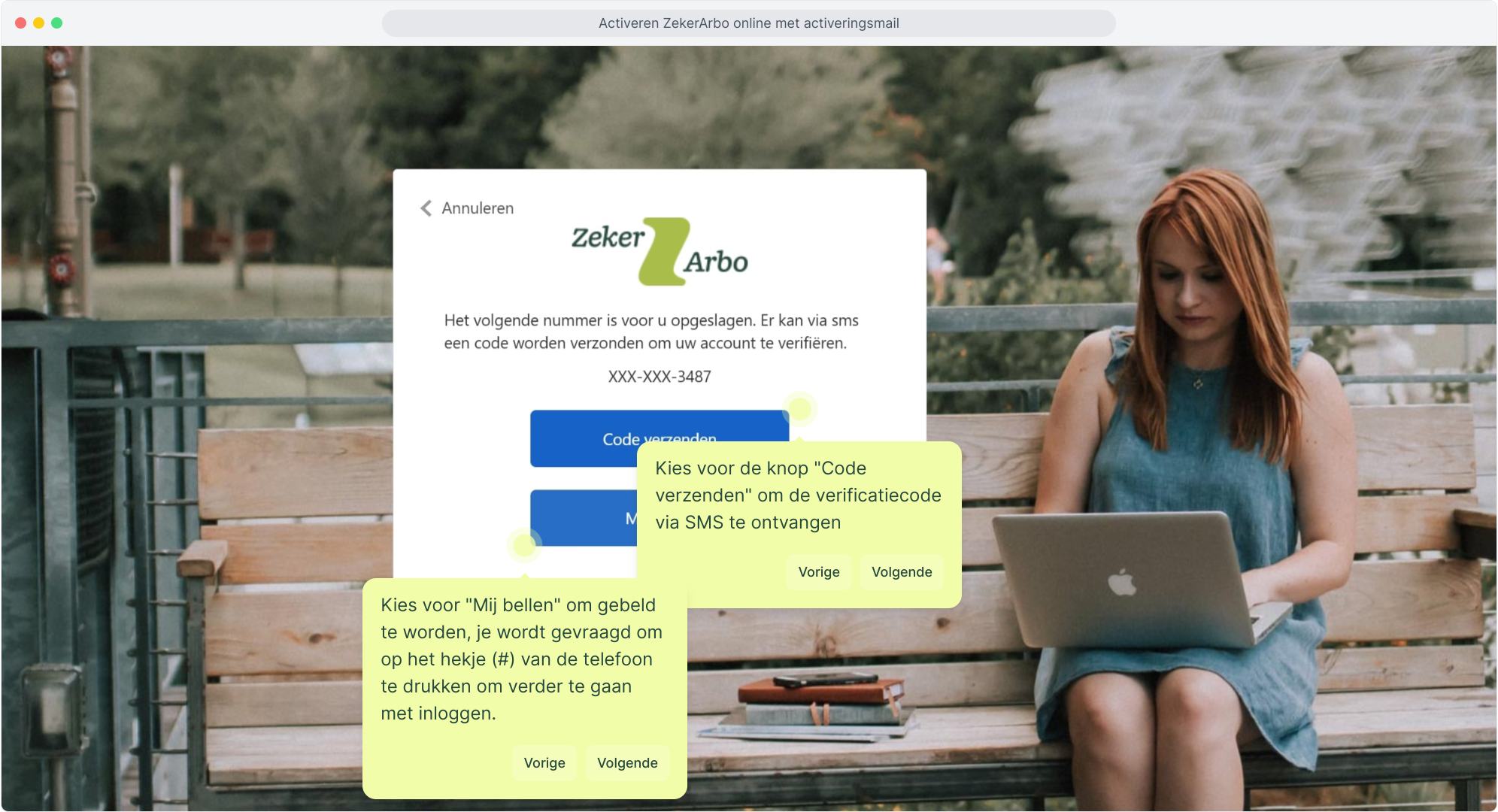
7. Choose the "Send code" button to receive the verification code via SMS
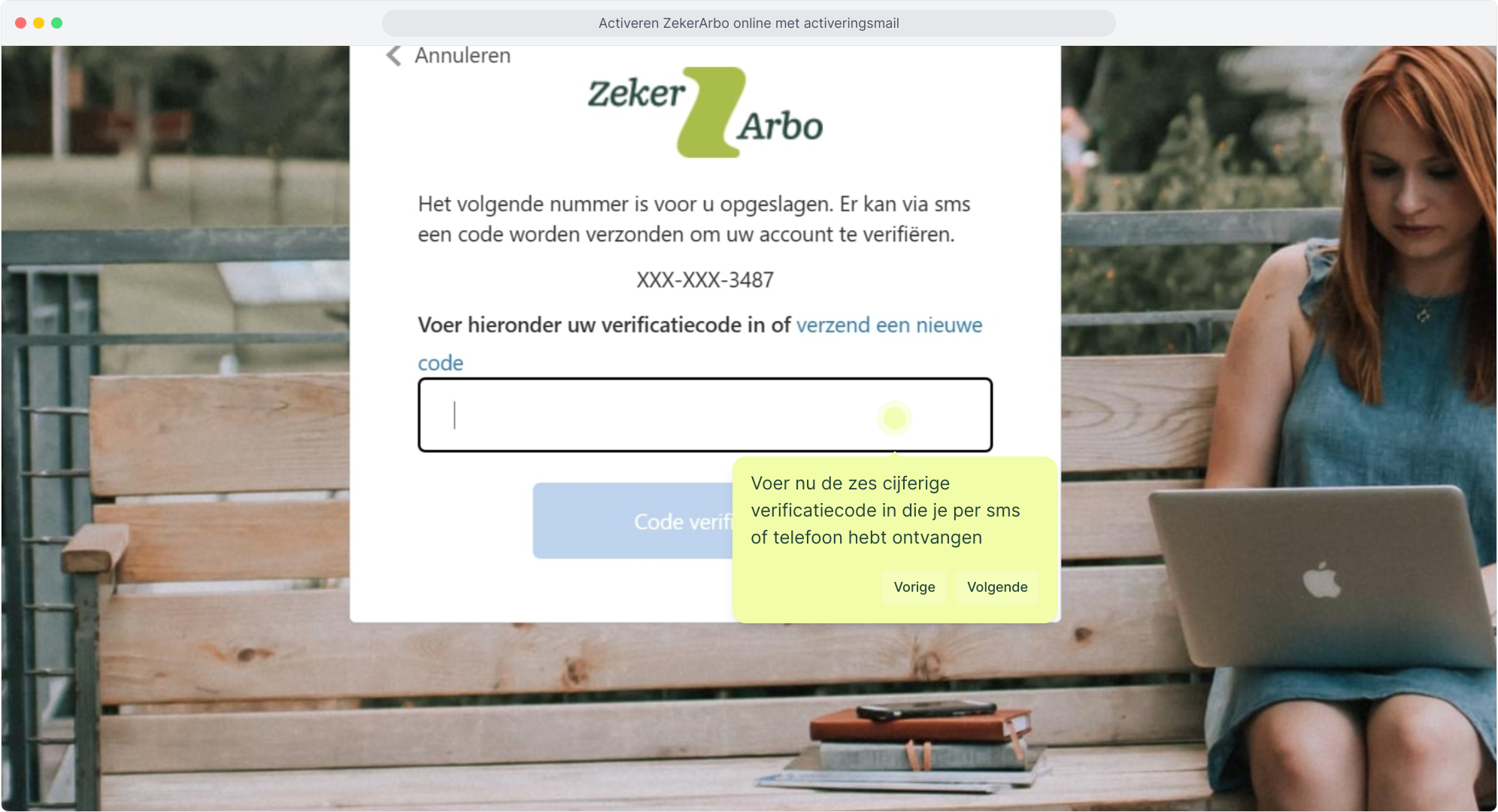
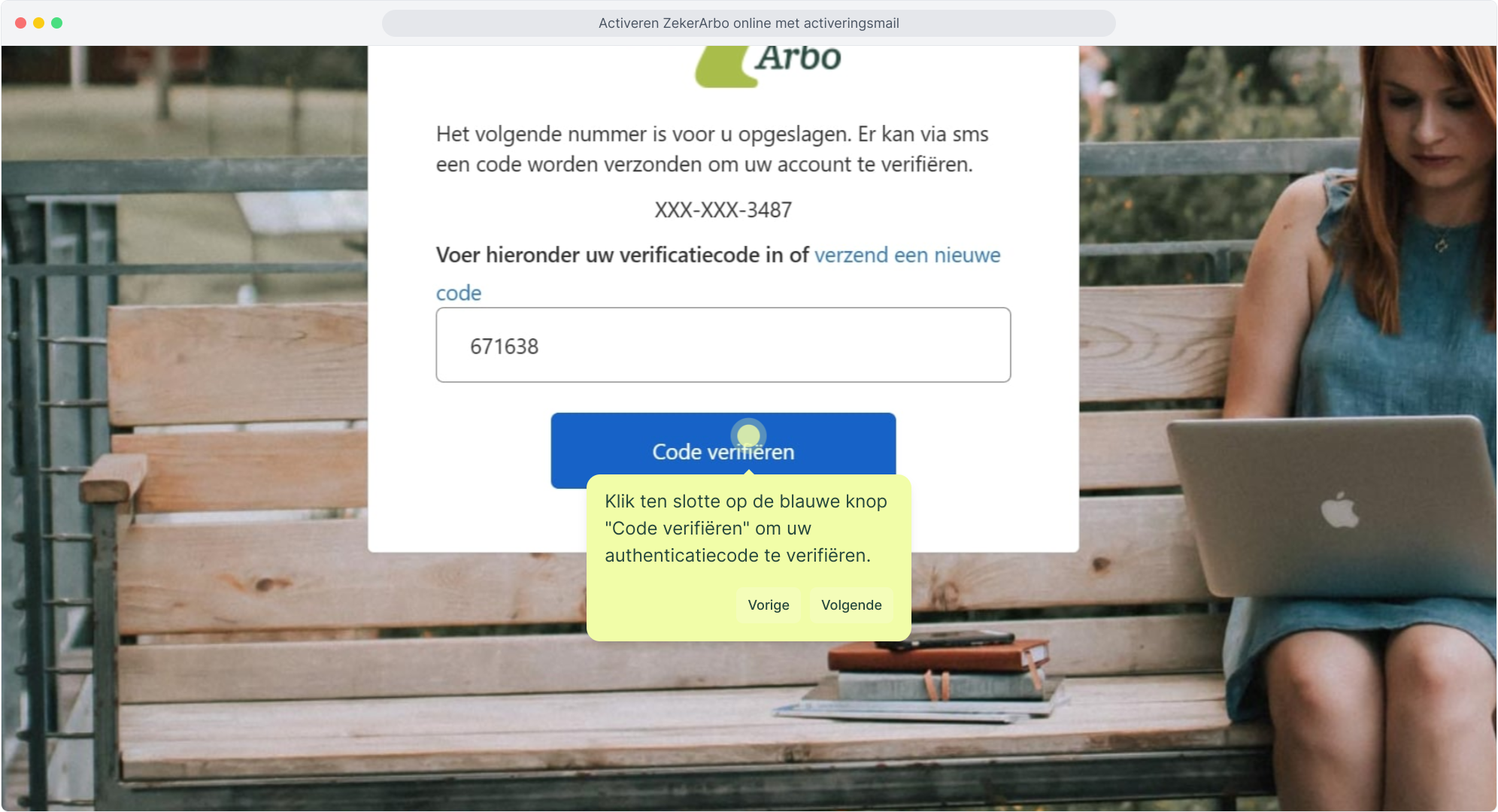
8. Now enter the six-digit verification code you received by SMS or phone
9. Finally, click the blue "Verify code" button to verify your authentication code.
####
</details>
Here's how to activate your account:
- Open the email "Registration planningsagenda.nl".
- Copy the temporary password.
- Click the link in the email to go to the login page.
- Log in with your email address and the temporary password.
- Follow the on-screen steps to choose your own new password straight away.
Is the temporary password not working? Are you getting an error message when entering the temporary password? Unfortunately, this can happen.
Don't worry, you can easily resolve this yourself without using the temporary password. Follow the steps in the guide: